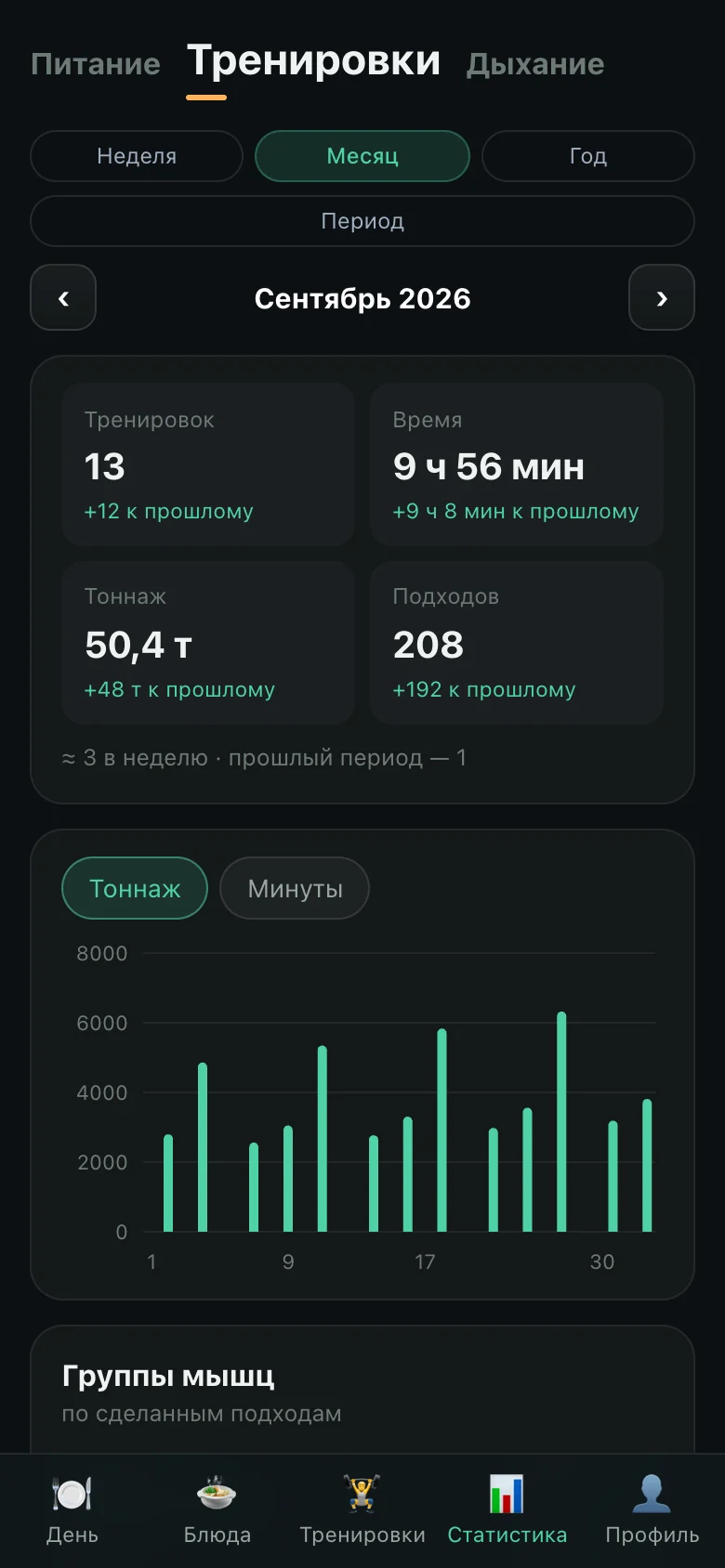
To build one app instead of six. Food, workouts, blood pressure, sugar, habits and breathing usually live in separate programs, and none of them knows about the others. OnyxFit keeps them together — for one person with a phone in hand: in the kitchen, at the gym, with a blood-pressure cuff on the arm.
The other half of the task was tone. There are enough apps that count calories and shame you for the extra ones. This one had to count honestly and speak gently: explain where every number comes from, and not scold when the day goes off plan.
The product stands on the studio’s platform core: sign-in by emailed code, a role-based back office, the site builder, analytics, backups and deployment were already there — none of it had to be written again. All the time went into the product itself: it is written beside the core, in its own files and its own tables, and the core is updated without touching it.
The product’s first commit is dated October 1. Eleven days later it has 785 commits, 289 API routes, 57 tables of its own and 45 releases.
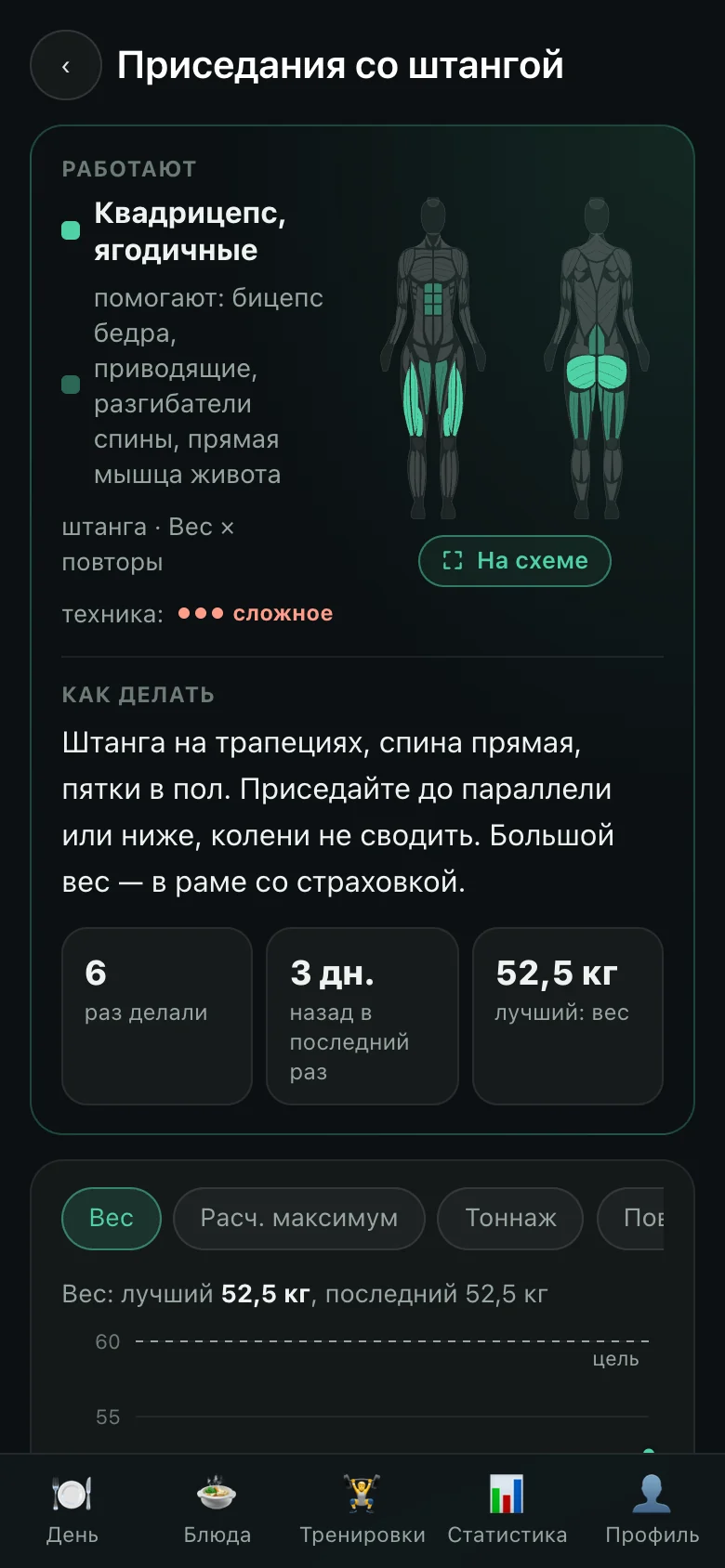
The main screen is one day: what has been eaten, how much is left, and what to do about it. Blocks sit in the order the person chose; the ones they don’t need can be hidden.
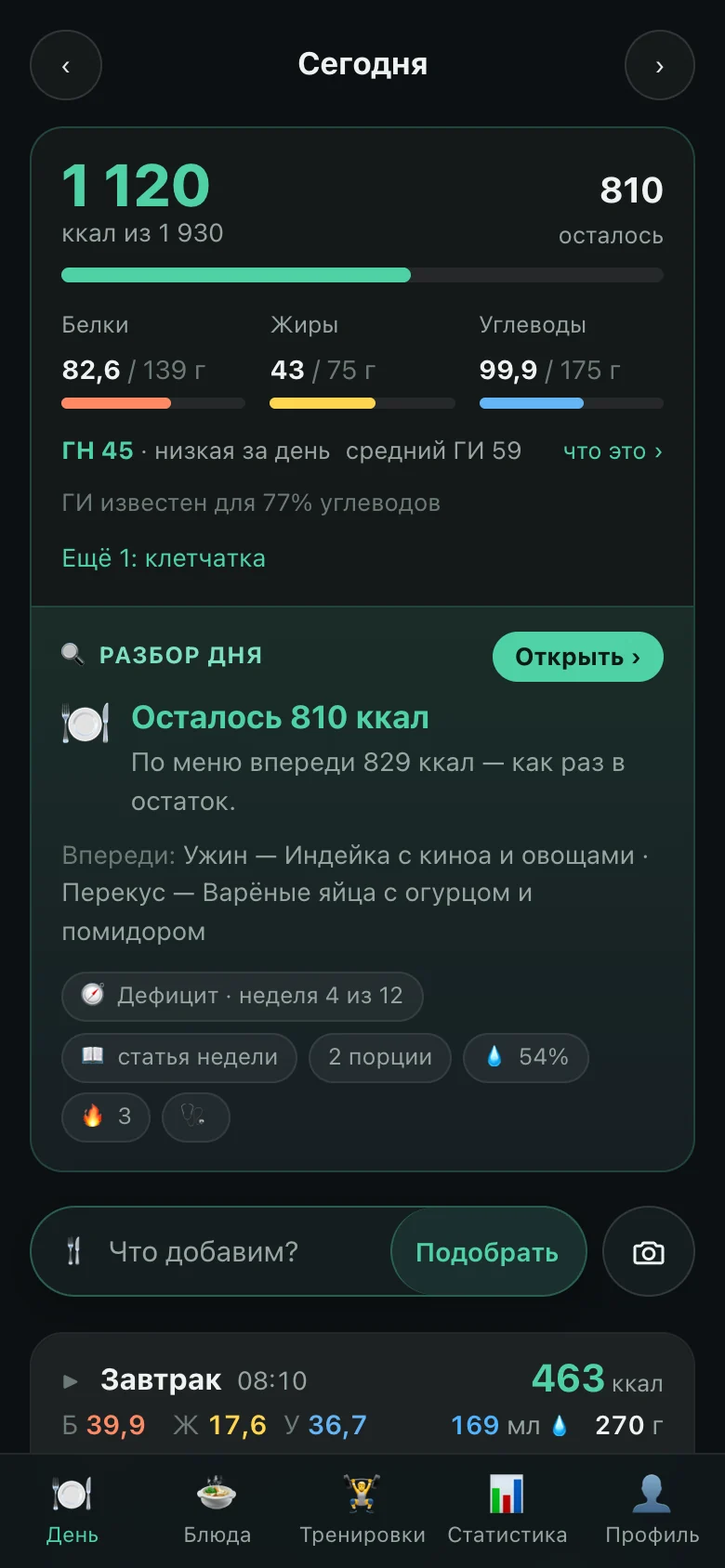
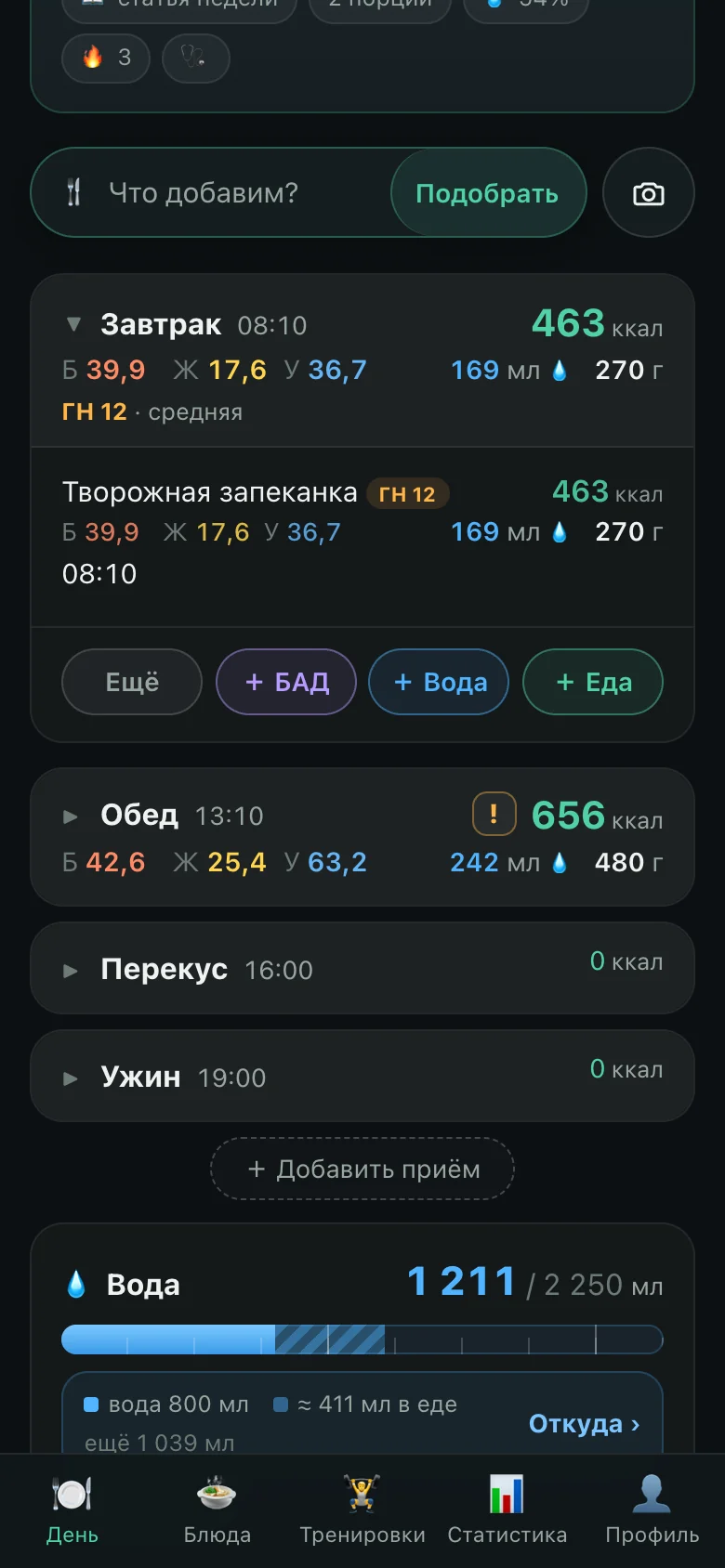
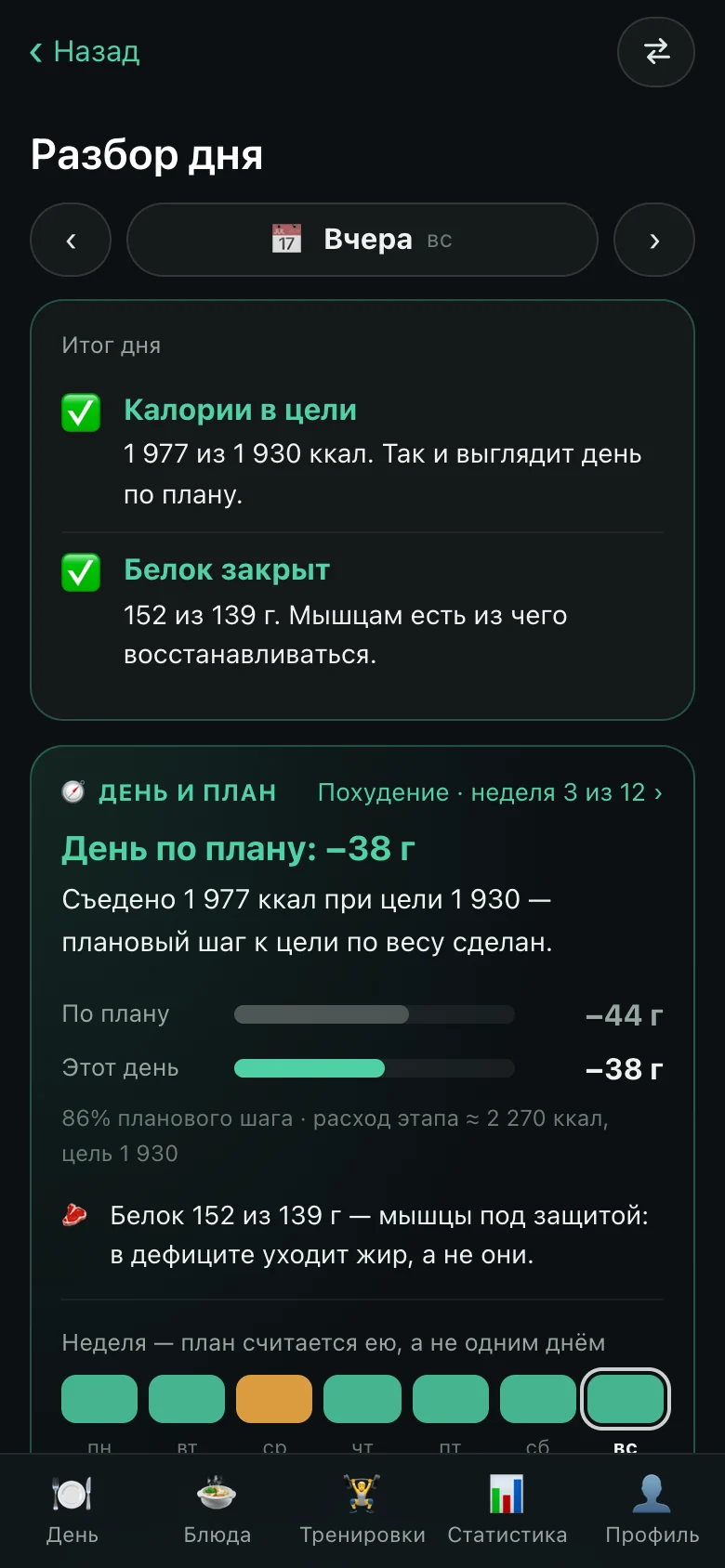
Behind a simple “logged some food” there is a rule for which meal it lands in: first the one in progress — from half an hour before its first entry to half an hour after its last; then an empty planned one, if it is no more than ninety minutes away; otherwise a new meal is created. Every such choice goes to analytics, so that cases where food landed in the wrong place can be examined.
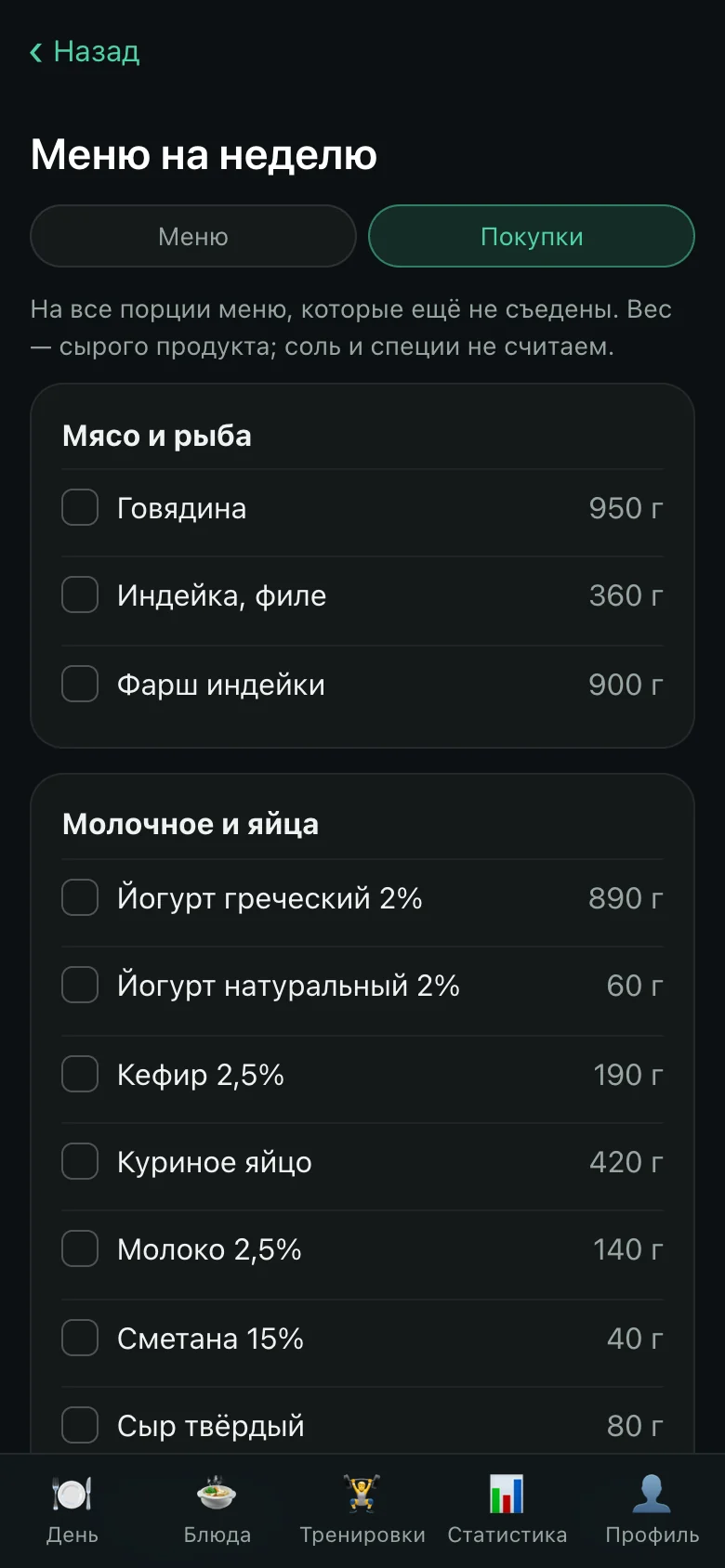
A dish is its raw ingredients plus the weight of what came out: the soup reduced, and calories per hundred grams are counted from what left the pot. A meal keeps its own copy of the ingredients, so editing a recipe does not rewrite the past.
“On target” means plus or minus ten percent, and the same boundary is used in four places at once: the day’s tips, the evening summary, the plan check and the statistics. A separate check catches any drift between them.
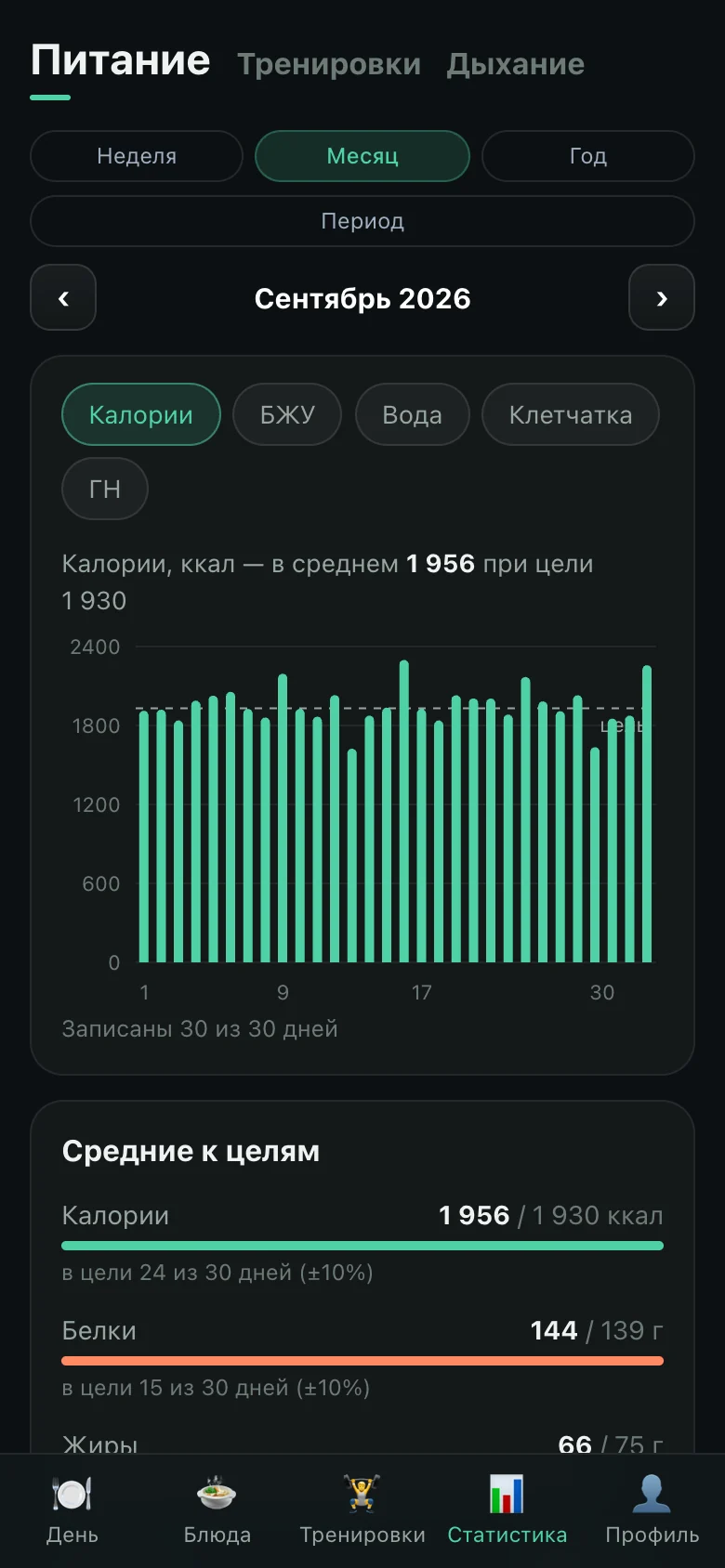
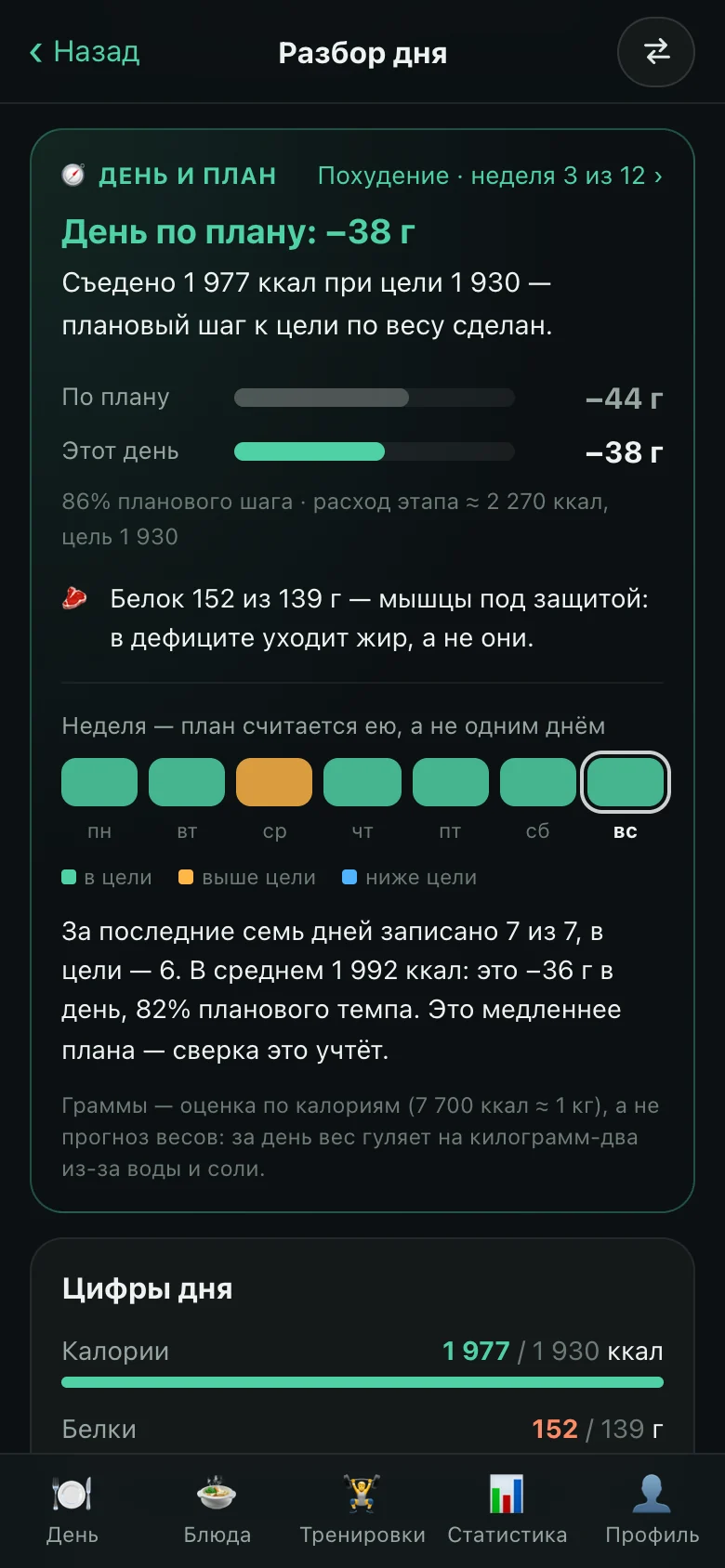
The app judges fibre only when it is known for at least seventy percent of the day’s carbohydrates: manufacturers rarely list it, and a daily “too little fibre” would really mean “it is missing from the labels”. And today is left out of the statistics until it is over — a hundred calories at breakfast should not drag the weekly average down.
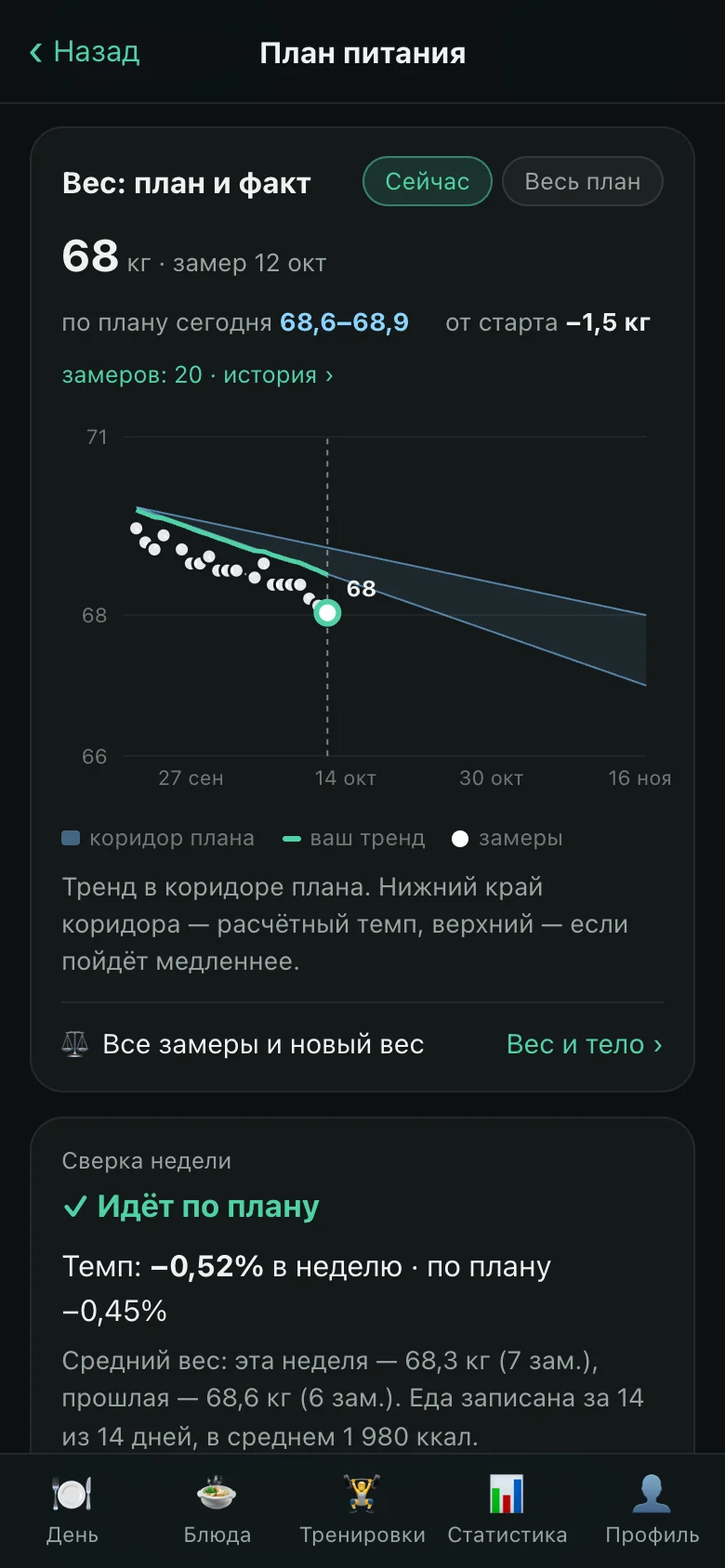
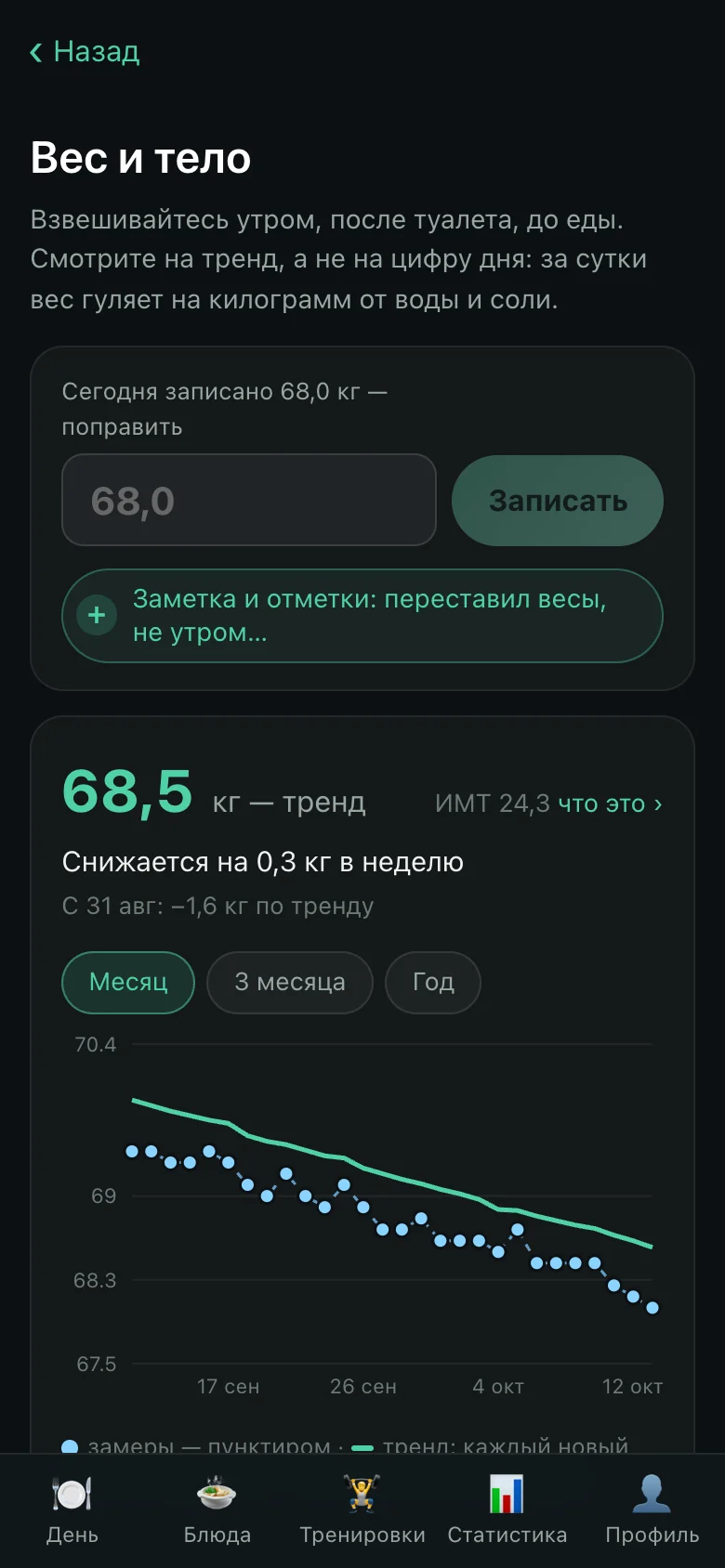
The nutrition plan computes its phases from weight and goal; every number in it is explained in a rules document that changes together with the code. Weight is shown as a trend inside the plan’s corridor — it swings by a kilogram a day with water and salt, and one morning’s number means nothing.

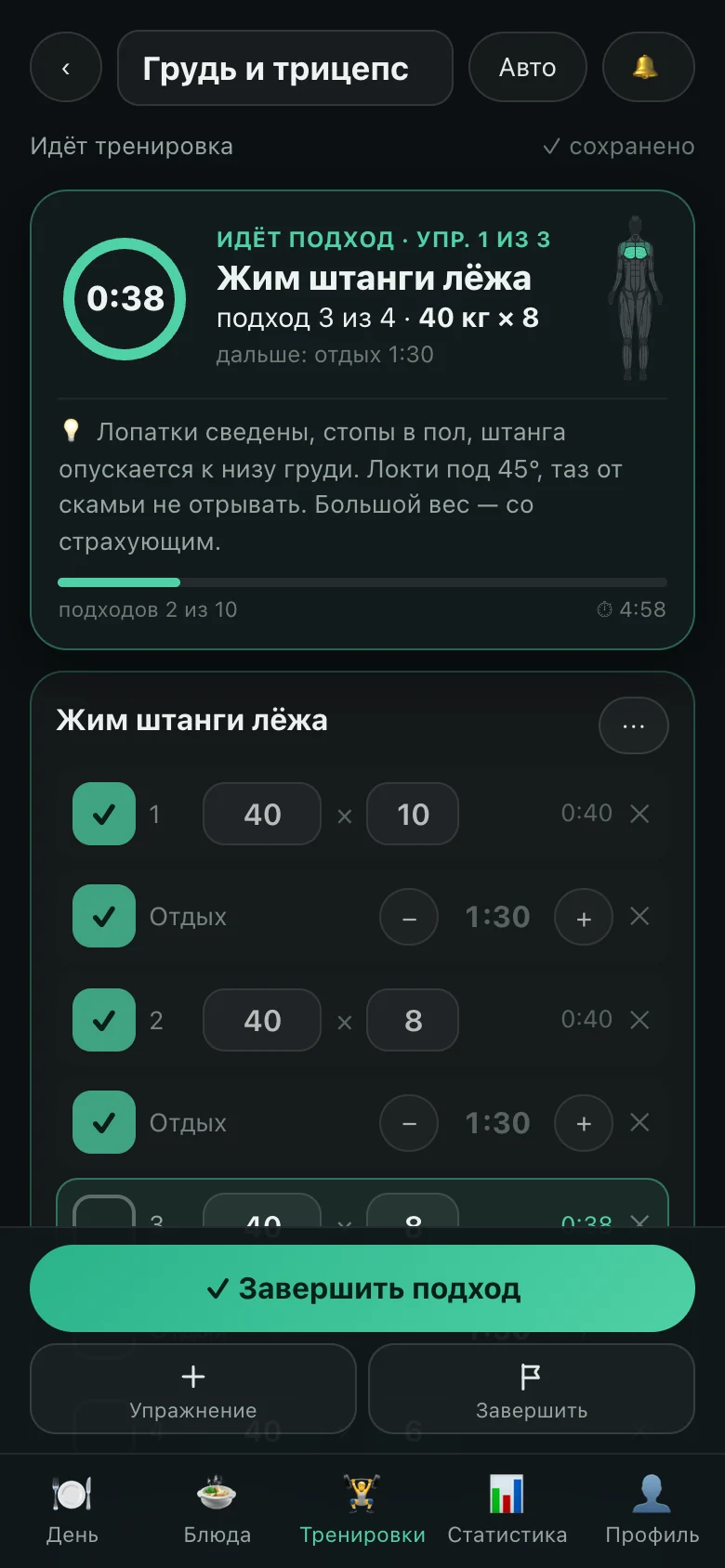
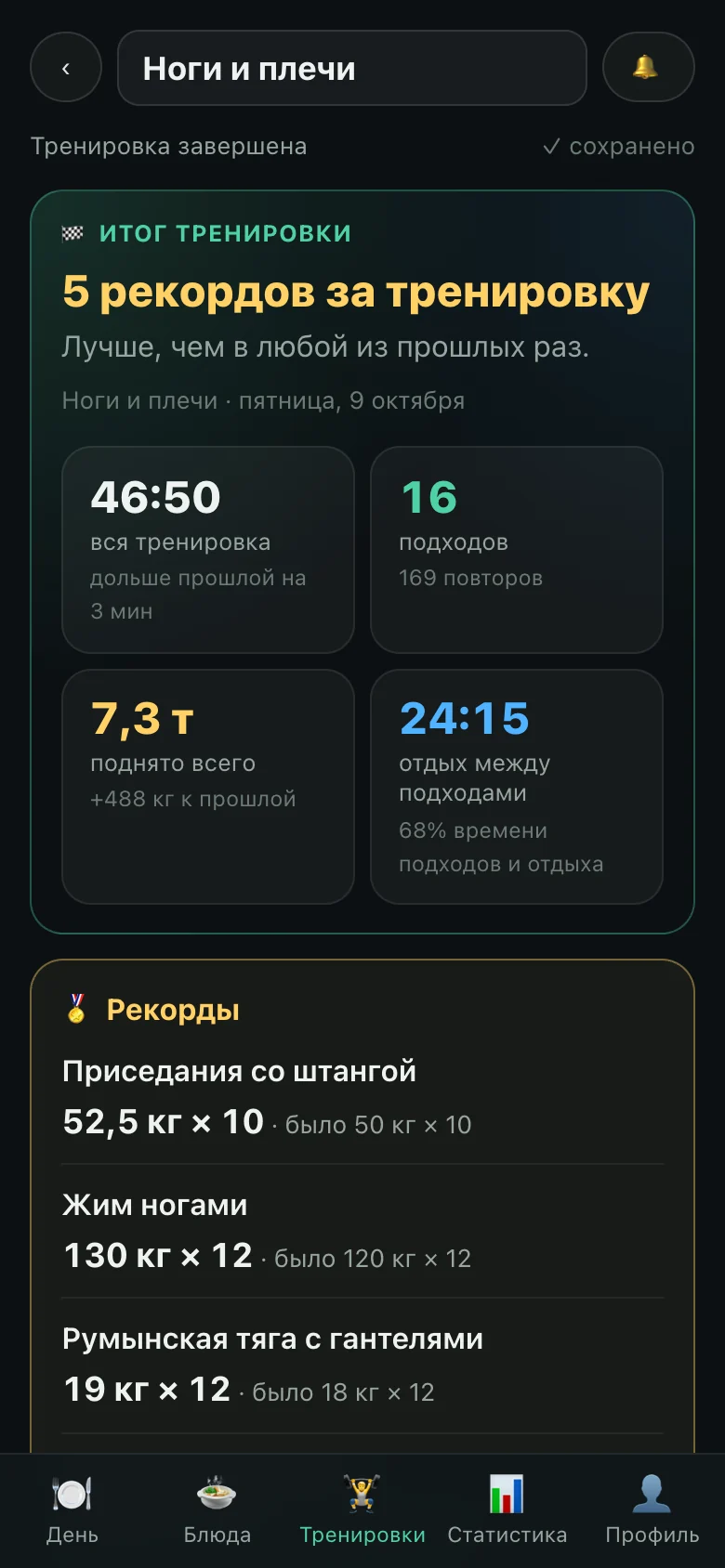
A workout is a feed of sets and rests. It lives on the phone and goes to the server as a whole document: the signal drops at the gym, and no set should be lost with it. Timers are computed from timestamps, so a locked screen does not break the rest.
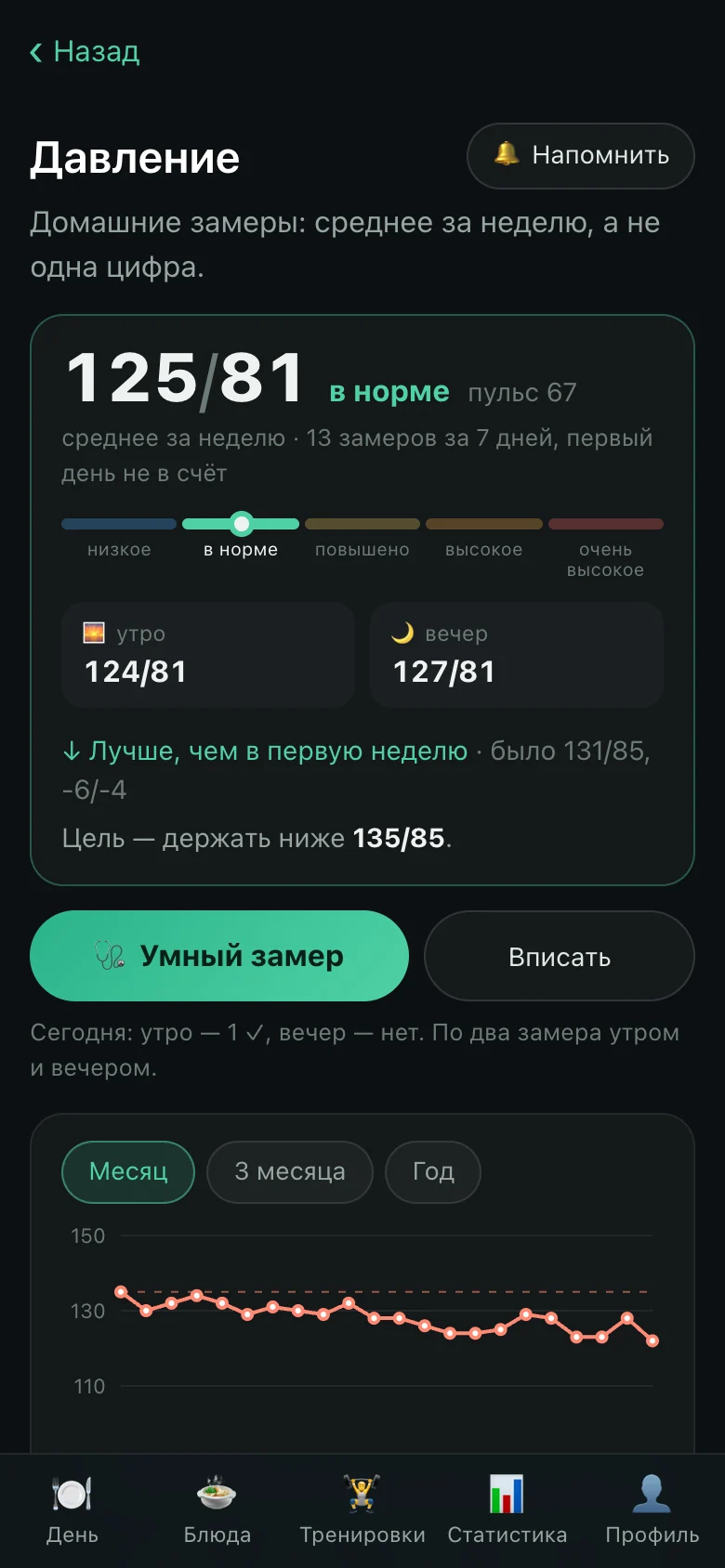
Blood pressure is a diary of home readings plus a guided measurement: five minutes of rest, two readings a minute apart. What gets assessed is the weekly average, not a single number.


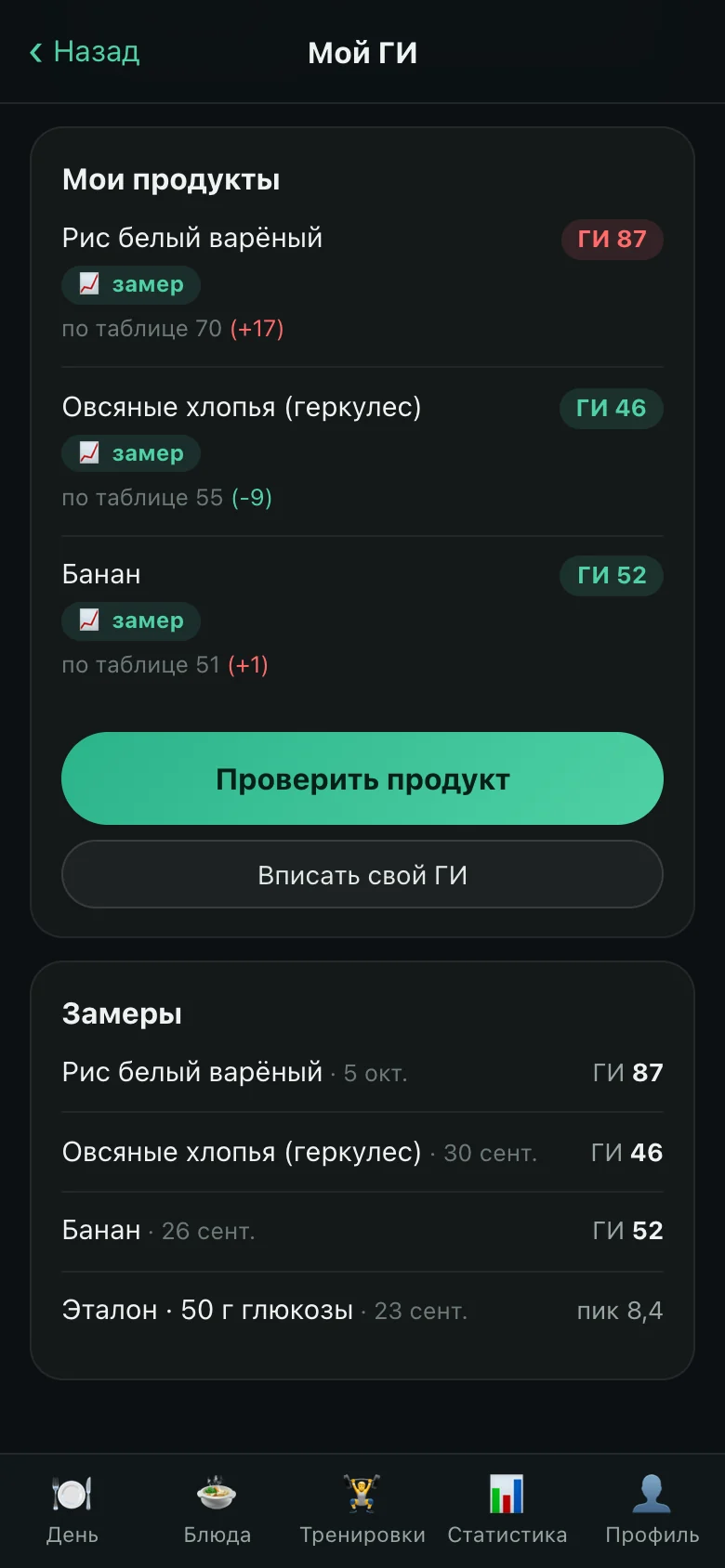
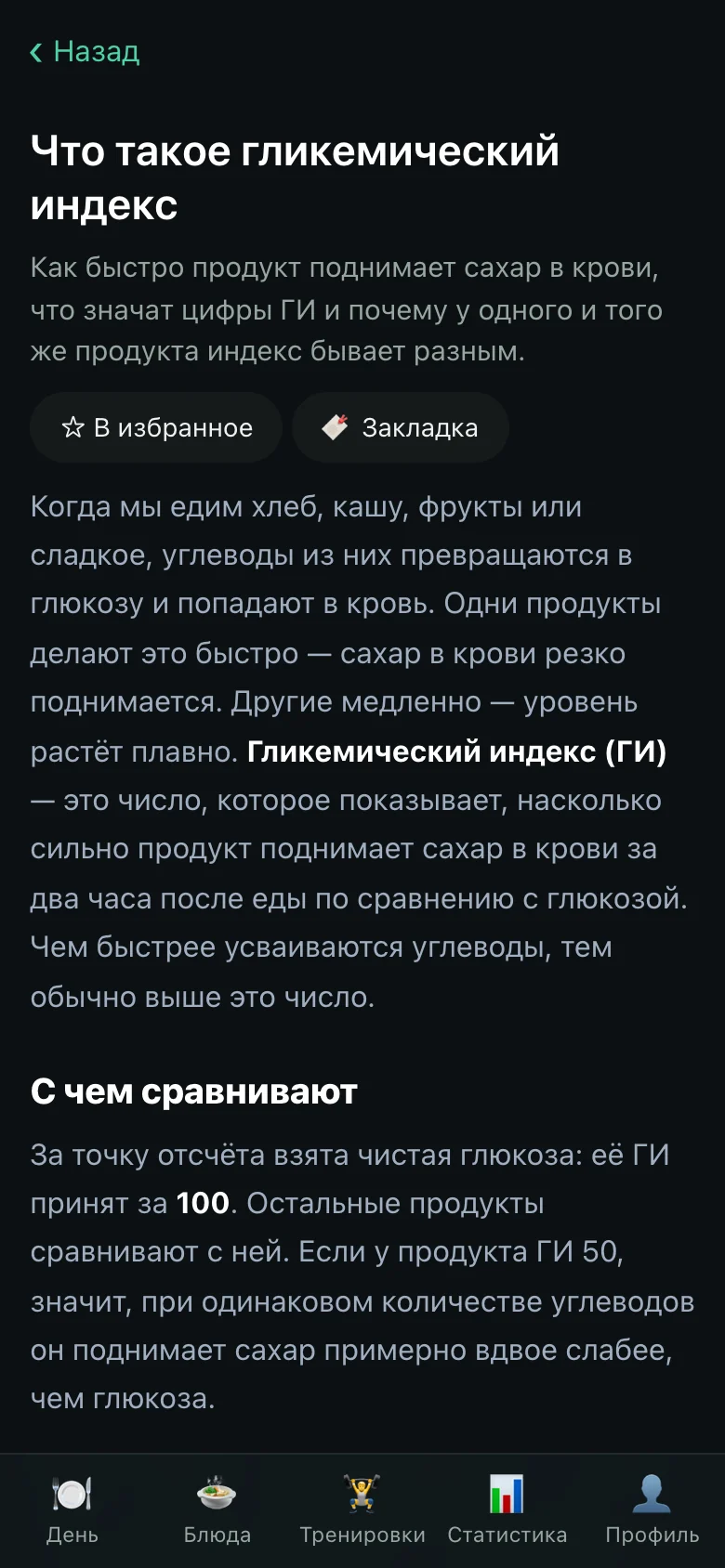
The glycaemic index from tables is an average across people. Here it can be measured on yourself: a glucose reference, then the food, a glucometer — and the app computes a personal index that replaces the table value in every calculation from then on.
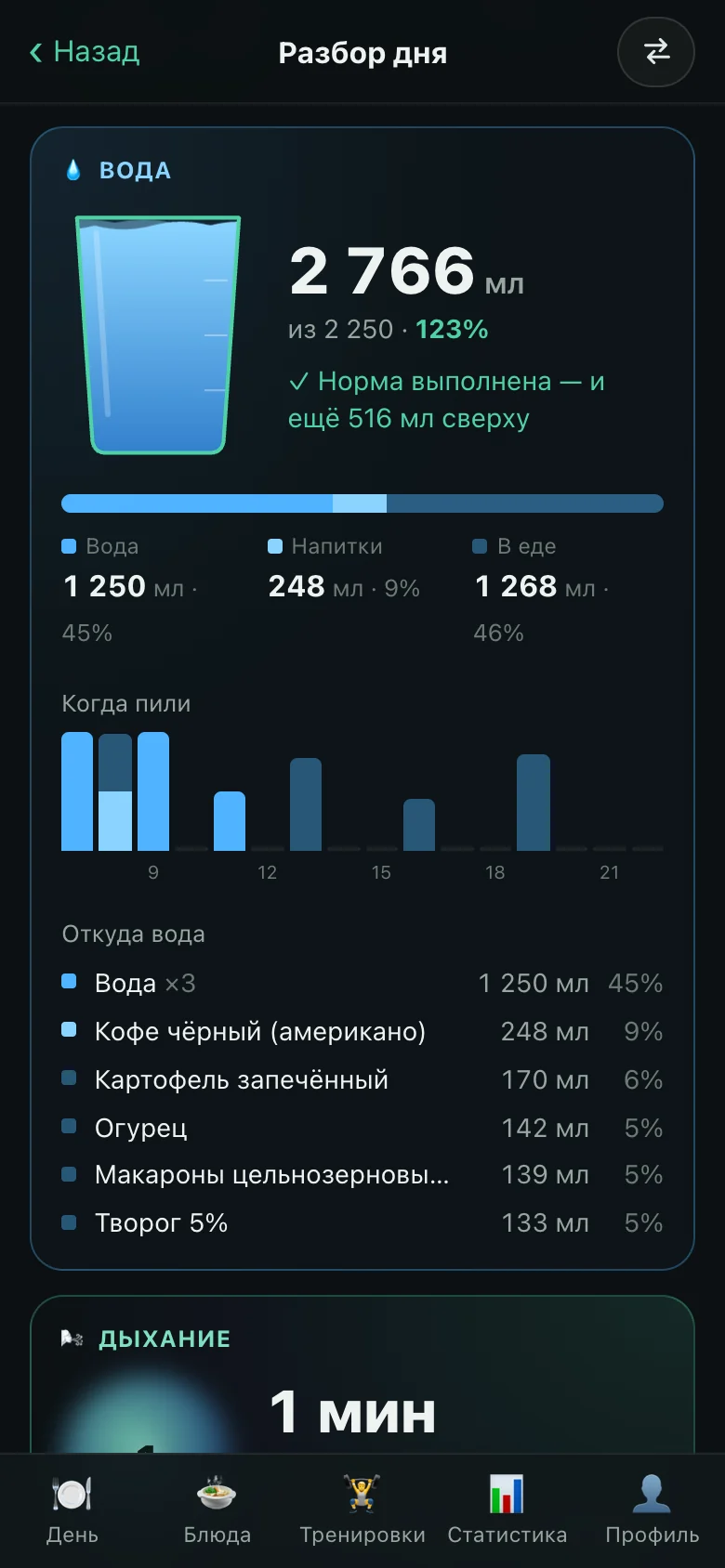
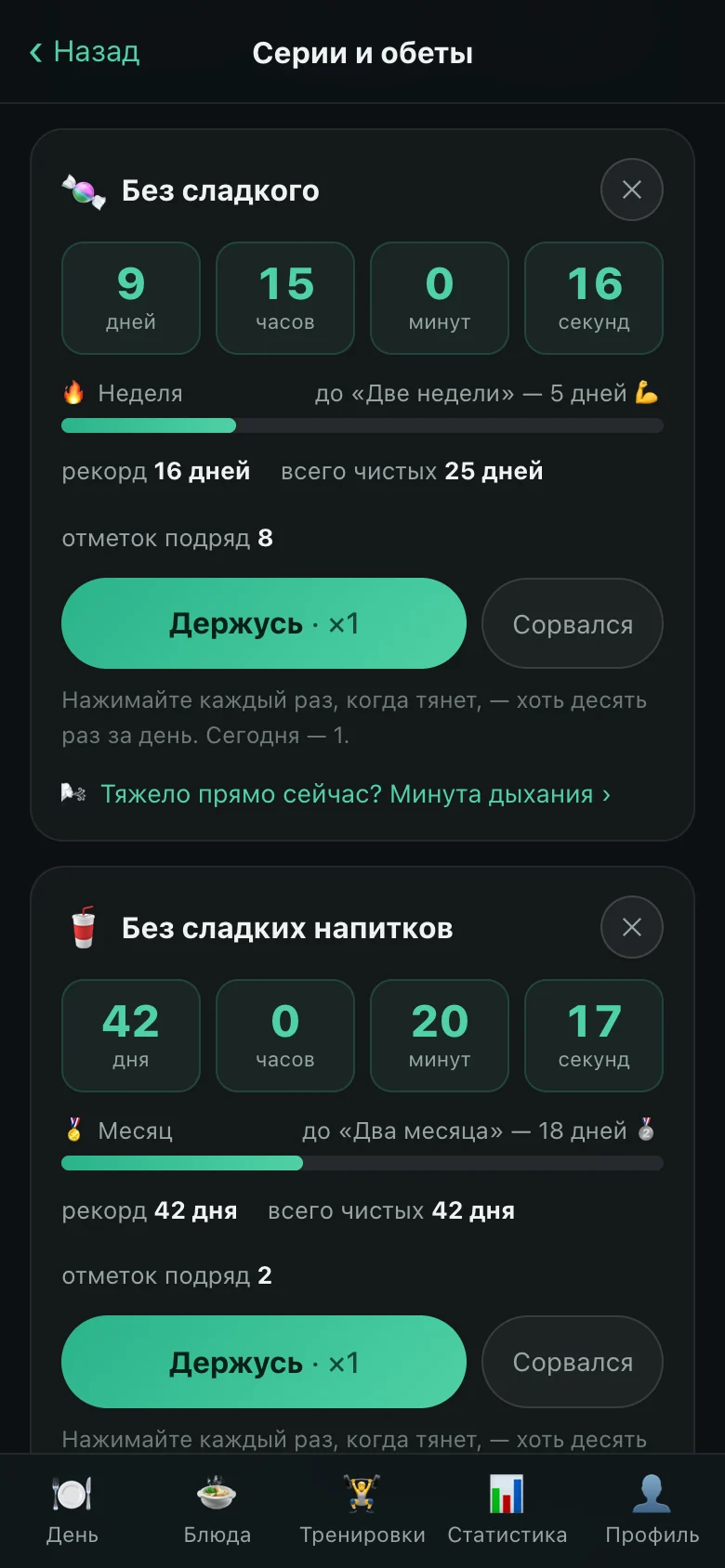
A vow is a counter for something a person has decided to give up. A lapse here is not red and does not erase the past: the record and the total of clean days stay. Next to it is a minute of breathing: in for four counts, out for six. The pace cannot be set faster than nine breaths a minute — beyond that it is hyperventilation. The picture is deliberately free of flicker.

On the public site the product speaks in a single image: “One life — one stone”. The onyx is drawn in WebGL; its six layers are the app’s six areas, in the same colours the sections use inside. Every public page is assembled in the same builder as the sites on the platform.

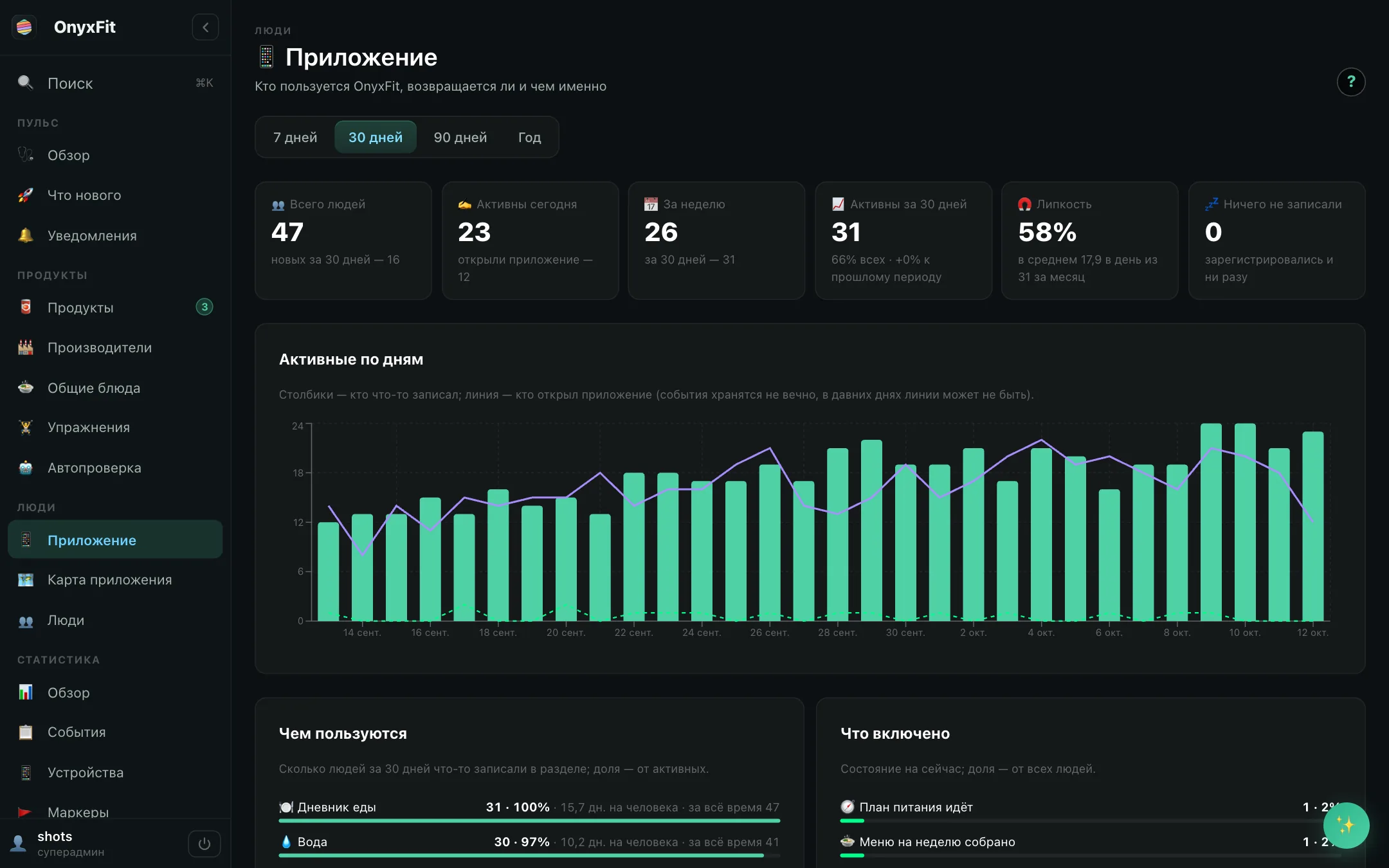
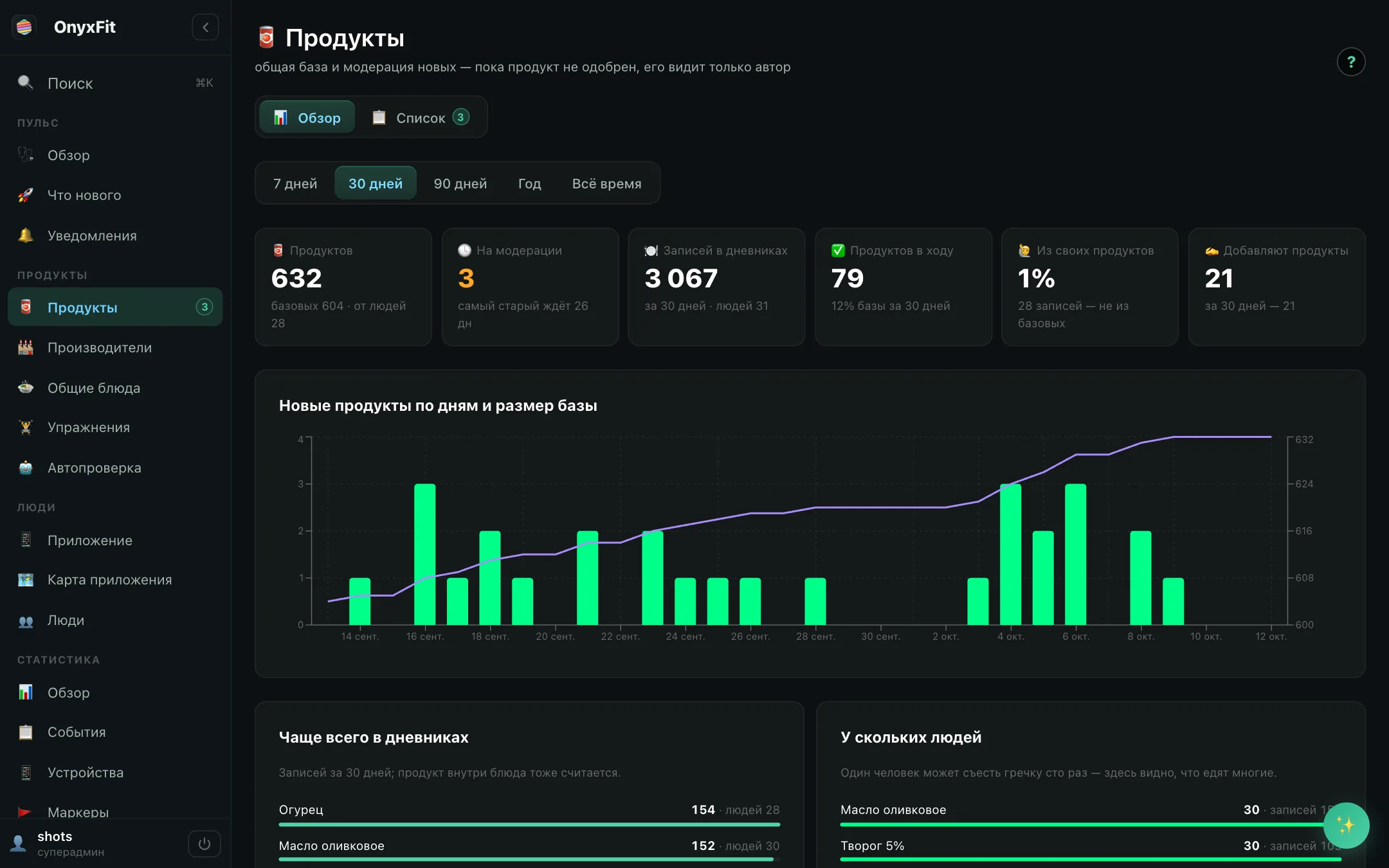
The product has its own back-office screens: who uses the app and whether they come back, the food base, and automatic checks of what gets added to it.

Deployment has no downtime: a new container comes up alongside, nginx is switched to it, and the old one finishes the requests it had started.
Eleven days from the first commit to a product in production with six areas — food, workouts, blood pressure, sugar, vows, breathing — and 45 releases along the way. It was this fast because the foundation was already standing: the time went into the product, not into sign-in, a back office and deployment.