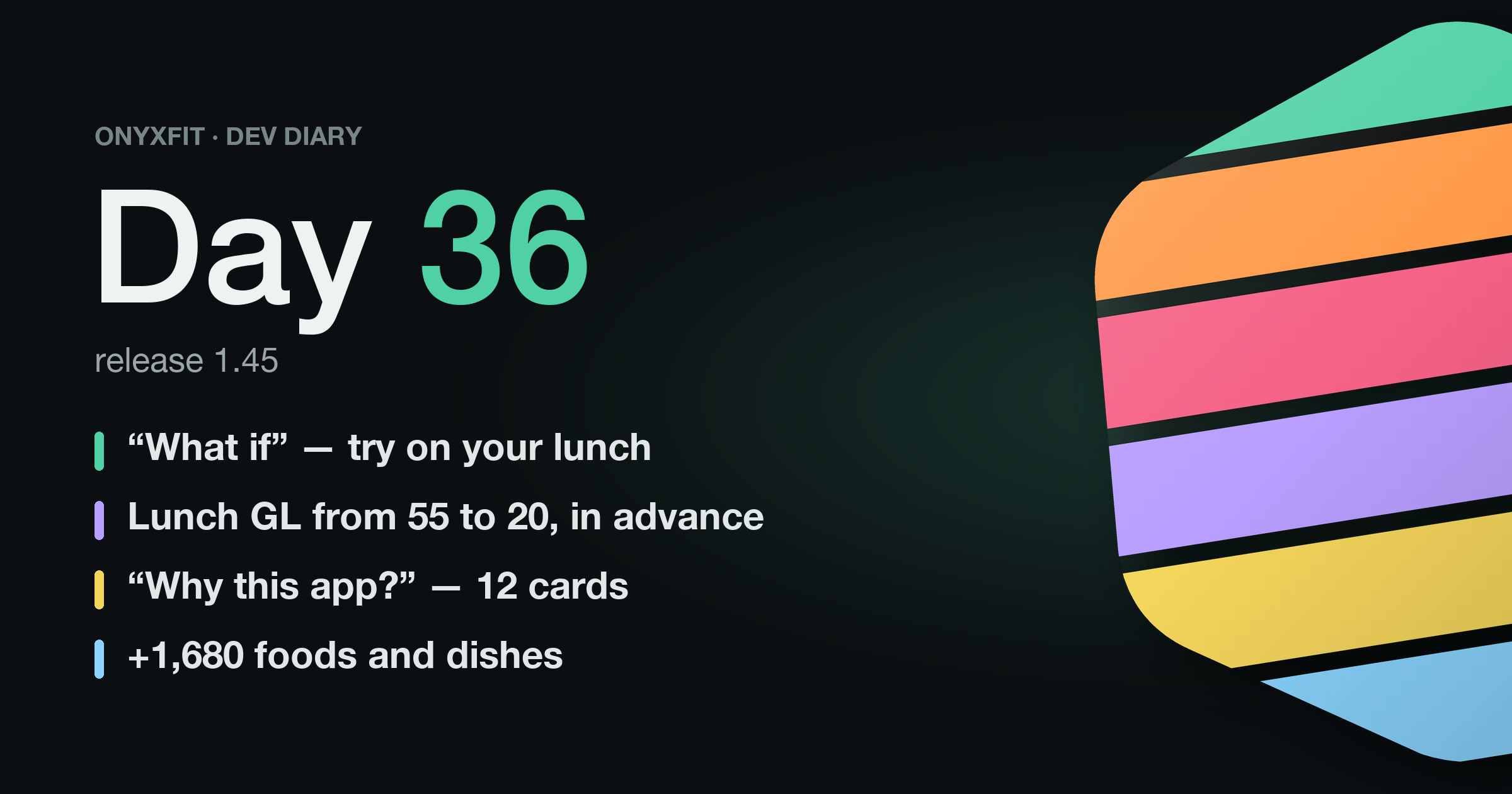
Day thirty-six of OnyxFit. Release 1.45 shipped today, gathering 148 changes over five days. The headline is “What if”: you can now try on your lunch before you eat it.
“What if”: trying on a meal
A food diary usually learns about lunch after it's eaten. We wanted you to be able to ask beforehand: what if buckwheat instead of rice? What if no bread?
The meal menu now has “🔮 What if”. It's a copy of the meal where you can change grams, replace, remove and add foods. The top shows before and after: calories, macros, glycemic index, glycemic load (GL) and energy density, with the day total below. The diary doesn't change until you tap “Save” — then everything goes in at once.
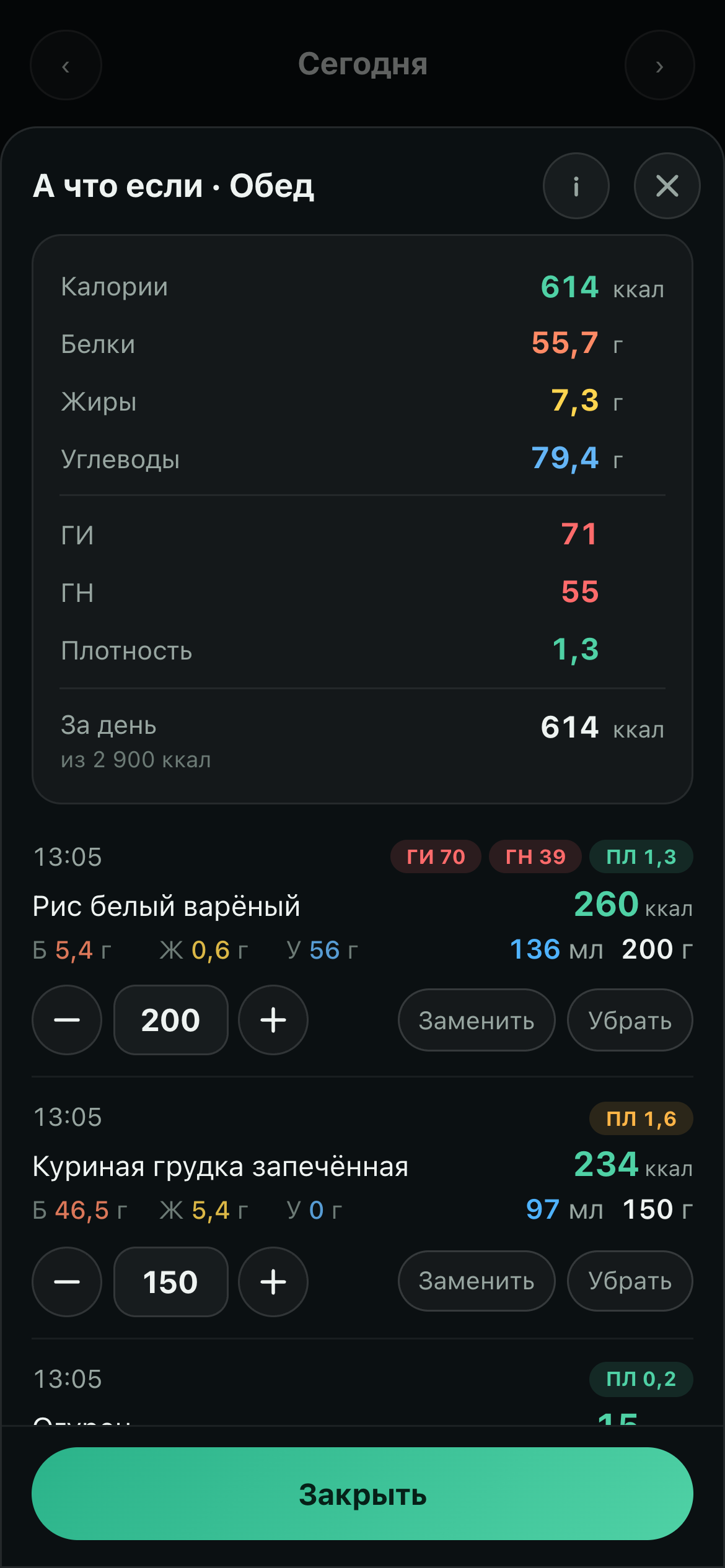

The screenshot shows a lunch from our test stand: 200 g of white rice, chicken breast, a cucumber and 40 g of white bread. Swap the rice for buckwheat, drop the bread — 433 kcal instead of 614, and glycemic load falls from 55 to 20. Three taps.
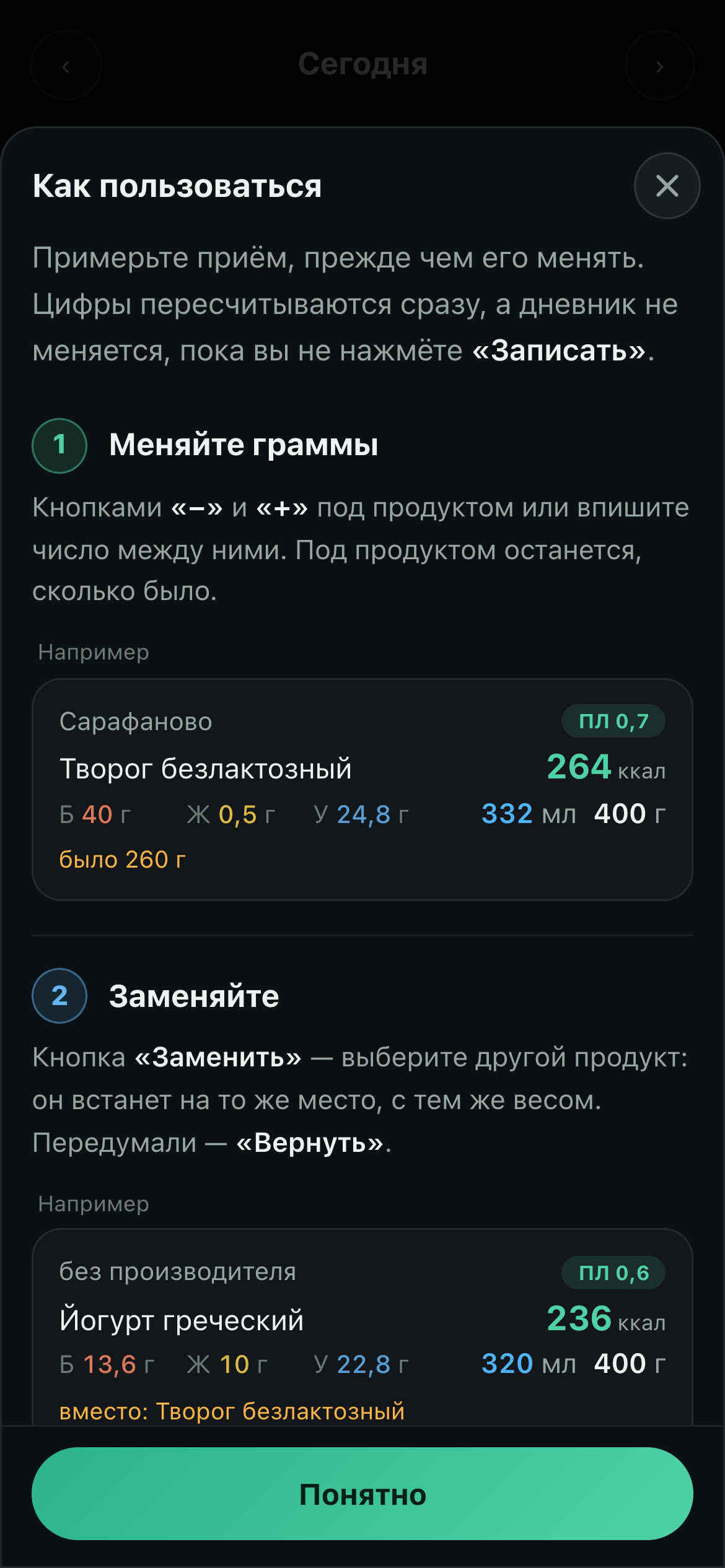
“How to use” is five steps with live pictures and opens by itself the first time. The pictures have no buttons — only the result and an “Example” label: a button in a picture begs to be tapped and does nothing.
“Why this app?”
The first screen after sign-up used to jump straight into questions. Now it has a big button with a fan of cards: 12 cards, swipe any direction. Five are about why to track food, water, movement and blood pressure at all. Six show what the app can do. The last one says honestly what's free and what's Pro.
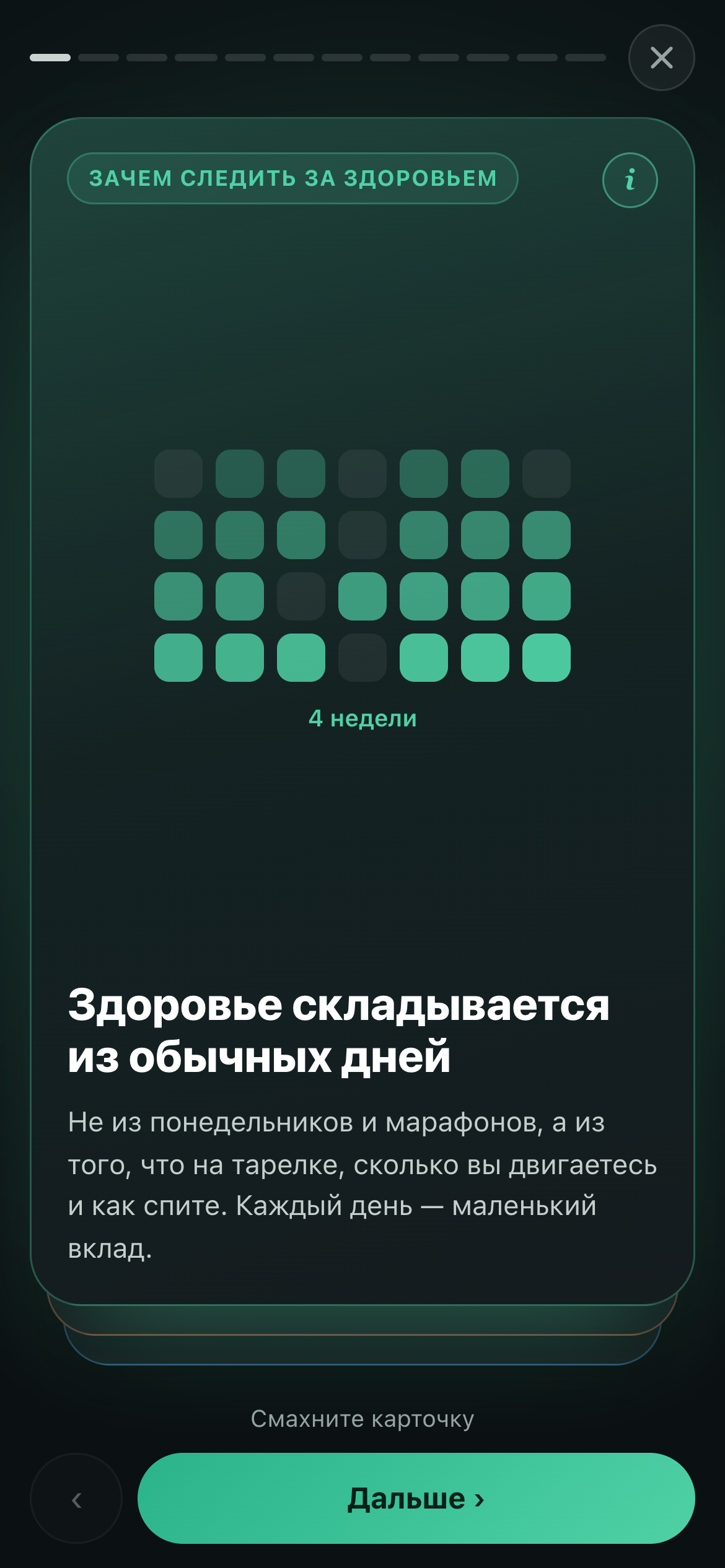
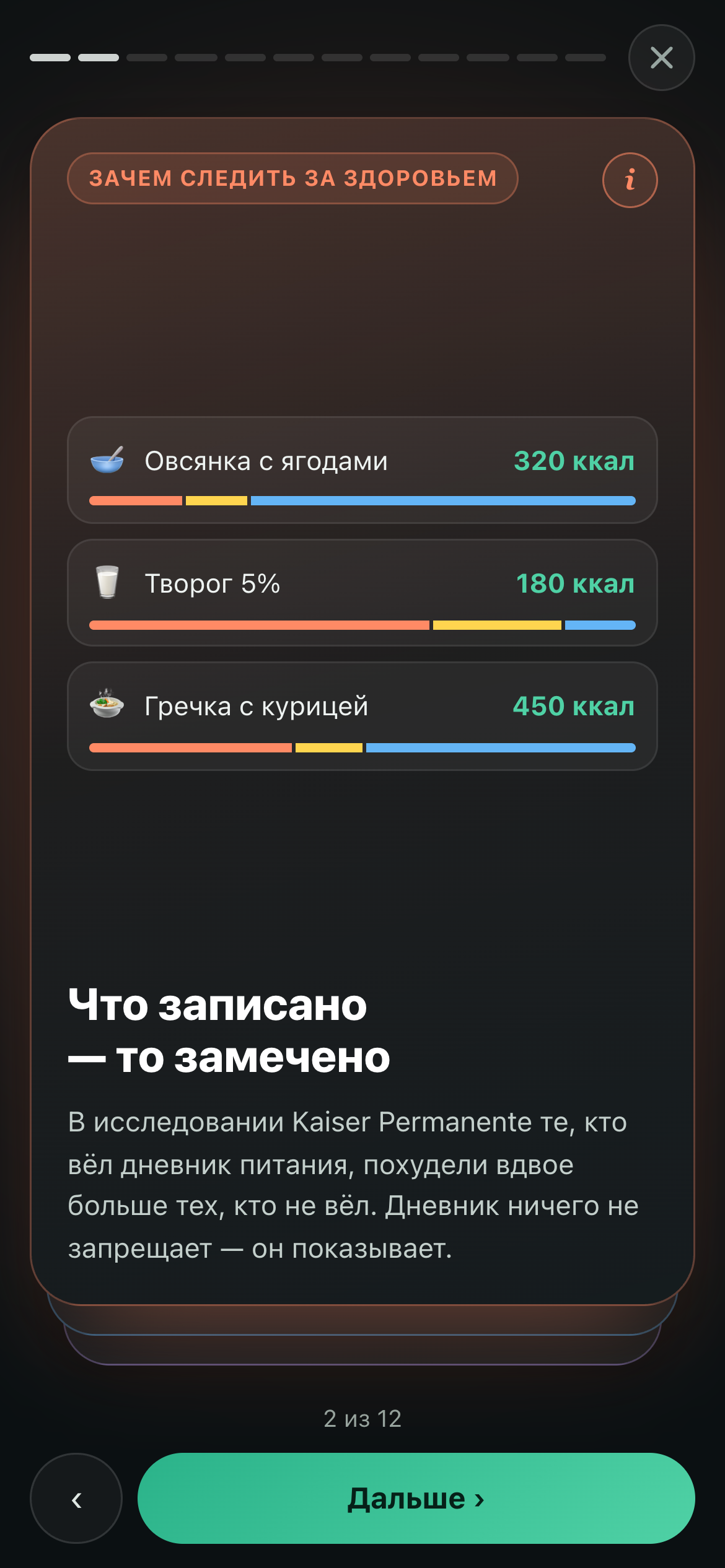
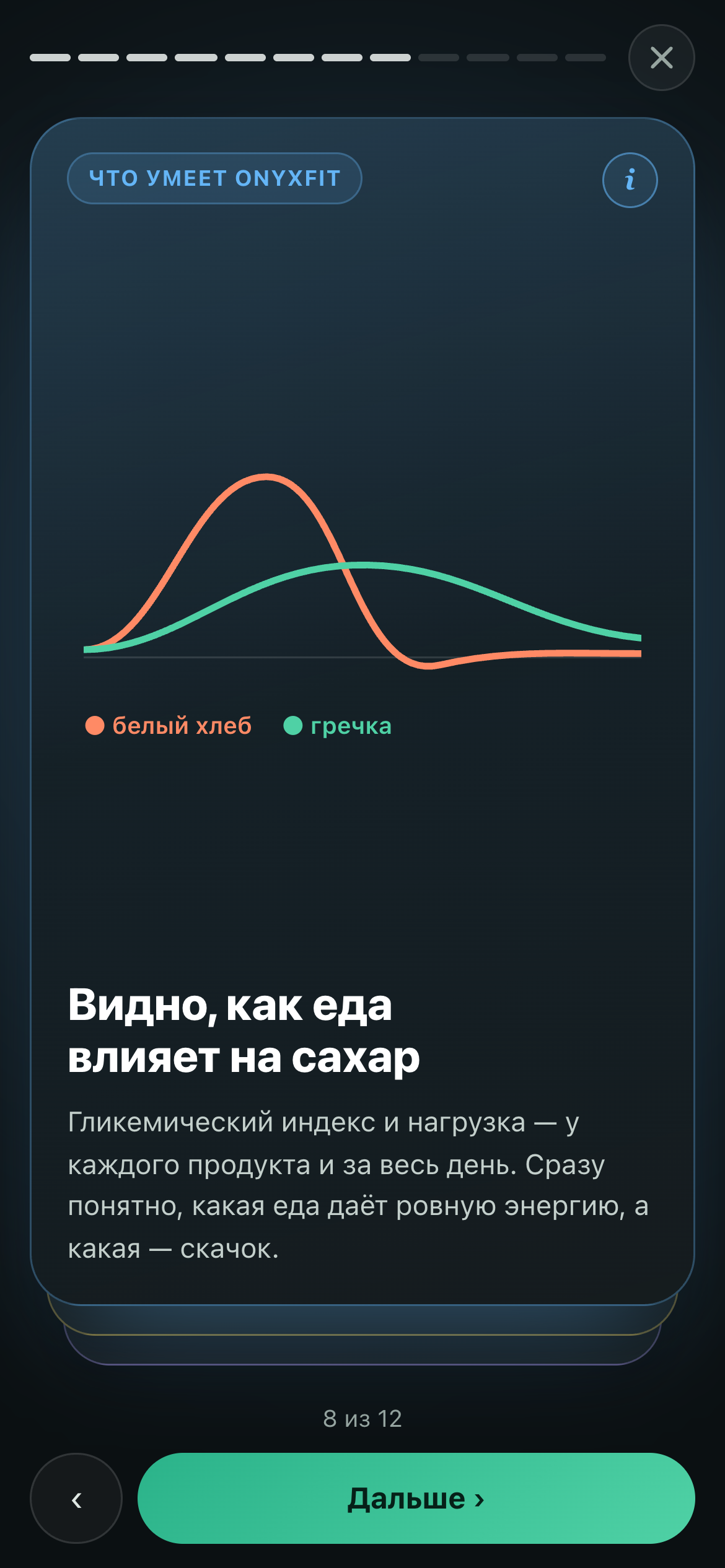
The same deck now lives in the profile and on the first screen of the website, right under “Start for free”.
Motion is calm: a card flies off in 0.42 s, the drawing fades in once, and with “reduce motion” on, nothing moves at all.
Food database and search
The database now has KDV snacks and the Tanuki menu, and we assembled the generic food — desserts, rolls, wok, eating out — ourselves. A product's type is now taken from the first word of its name, not the flavour: cheese-flavoured croutons are snacks, not dairy. The admin got a “Tree” tab — the whole database as branches by type, by macros and calories, by maker.
Search forgives typos and half-typed words, and your own and already-eaten foods come right after the exact match. “Recent”, “Frequent” and “My dishes” became infinite feeds.
Weekly calories — gentler
Weekly calories carry a day's deviation over to the following days. Overeating cut the goal too sharply: with a 2,800 kcal goal, the next day could shrink by 420 kcal. Making up is easy, working off is hard, and a harsh cut on top of a deficit is a straight road to a slip.
Now an overshoot spreads over 7 days and never more than 7% of the goal; what doesn't fit is written off, not accumulated. The cut comes from carbs (¾) and fat (¼); protein stays untouched.
Workouts
Add an exercise you've done before and a hint appears, like “Double progression: 62.5 kg × 6”. One tap sets weight and reps. No progression yet — pick a goal and a model, and the app builds a light plan: no schedule, just growth in the exercises.
Auto mode is now the default, pause works in manual mode too, and search understands muscle groups: “Back” finds back exercises.
Coach dashboard
The release closes 45 tracker tasks in total, many of them in the dashboard: we walked through it as a new coach and a new client. An acceptance test now runs both paths on its own and reports what it found.
- The coach gets a push when a client connects, revokes access or fails to connect.
- While the coach account is active, the coach has Pro.
- Daily goal limits for calories, macros and water can be set by both the coach and the person.
- The “Weight” tab shows the same chart as the client sees: trend, readings, corridor.
What's left in the app
- Launch prices for Pro: 690 / 1,590 / 2,590 / 3,490 ₽ for a month, three months, half a year and a year. The trial is 14 days.
- When Pro runs out, reminders stay editable.
- The app is now Russian-only: the language switch is gone from the profile, and pushes and emails are in Russian too.
What's next
Next come the first weeks of new people in the app: we'll see where it's awkward for them and tell you what we changed. The app is at onyxfit.ru, install it on your phone at onyxfit.ru/app/install.